Capture the complete signal
Note the color, number and speed of flashes, pauses, beeps, screen text, app message, and point in the cycle. Photograph or film the sequence. A repeating red pair may mean something entirely different from a steady red indicator on a related product.
Verify model-specific documentation
Use the model and revision printed on the equipment, not just the family name from the order. Search the official manual, support page, or app help. Regional versions and new firmware can change available modes and diagnostic labels.
Perform the permitted response
Common instructions may include cleaning a filter, removing accessible entanglement, reseating a basket, cooling the battery, drying charging contacts, or restarting in a defined order. Isolate power first where directed, and never bypass a lid, thermal, or water-detection interlock.
Avoid erasing useful evidence
Repeated resets or immediate factory restoration can clear an app log without correcting the cause. Save screenshots and cycle history. If the same code returns after one documented maintenance step, additional restarts offer little diagnostic value and may stress a jammed component.
Treat critical symptoms separately
Disconnect safely and stop using the cleaner when an error accompanies smoke, odor, excessive heat, a damaged cable, swelling, water inside a dry enclosure, or repeated GFCI operation. Give support the recorded code and symptoms; do not open sealed electrical assemblies to investigate.
Use the robotic pool cleaner decision framework to compare the broader category, or narrow the catalog through Robotic Pool Cleaners for In-Ground Pools.
Exact products to compare
As an Amazon Associate, we may earn from qualifying purchases.

Dolphin Nautilus CC Automatic Robotic Pool Cleaner
Best for: Owners who want a compact established corded cleaner
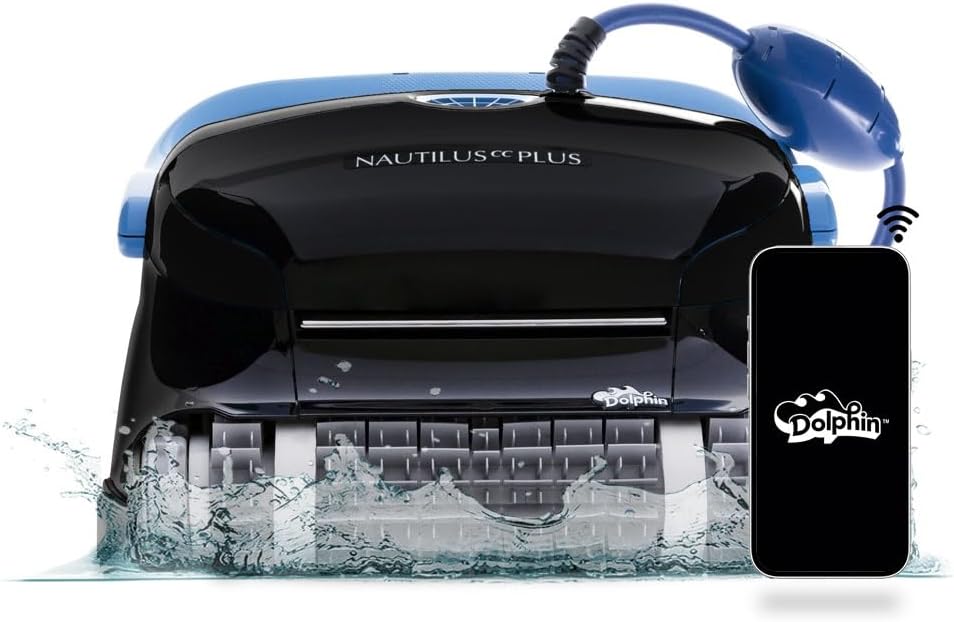
Dolphin Nautilus CC Plus Robotic Pool Cleaner
Best for: Buyers comparing a widely searched midrange Dolphin

Dolphin Nautilus CC Supreme Wi-Fi Robotic Pool Cleaner
Best for: Large pools needing broader cleaning-zone coverage
Frequently asked questions
Do red lights always mean the robot is broken?
No. Some products use red for low charge or another recoverable state. The precise pattern and manual determine the meaning.
Can I clear an error by unplugging the cleaner?
Only follow the reset procedure specified for the model. First record the code, since it may disappear after power is removed.
Why is the app code different from the power-supply light?
They may describe separate components or stages. Report both rather than assuming one overrides the other.
Final decision
Match the answer above to the exact model manual, pool measurements and maintenance routine. Amazon listings can change by seller, bundle and generation, so verify the product name and ASIN before relying on a feature.