Verify model and app
Similar product names may use different control apps or have no app support. Match the model number on the rating label, download through the official platform store, and follow the manufacturer link rather than an unofficial QR code.
Prepare the connection
Update the phone operating system when practical, turn on Bluetooth or Wi-Fi as required, and grant nearby-device, local-network, or location permission only when the setup instructions explain why it is needed. Pair through the app unless directed otherwise.
Check network compatibility
Some connected equipment supports only particular Wi-Fi bands or security configurations. Use the documented setup network and verify coverage outdoors. Do not weaken router security broadly simply to force a connection; contact support for approved options.
Complete firmware updates safely
Keep the controller powered and the phone connected for the full update. Do not remove the robot, disconnect power, or close the app unless instructed. Read release notes when available because menus and functions can change.
Protect account access
Use a unique password and multifactor authentication when offered. Remove the cleaner from the account before resale, and review household sharing carefully so scheduling or remote-start access is limited to appropriate users.
Use the robotic pool cleaner decision framework to compare the broader category, or narrow the catalog through Robotic Pool Cleaners for In-Ground Pools.
Exact products to compare
As an Amazon Associate, we may earn from qualifying purchases.

Dolphin Nautilus CC Automatic Robotic Pool Cleaner
Best for: Owners who want a compact established corded cleaner
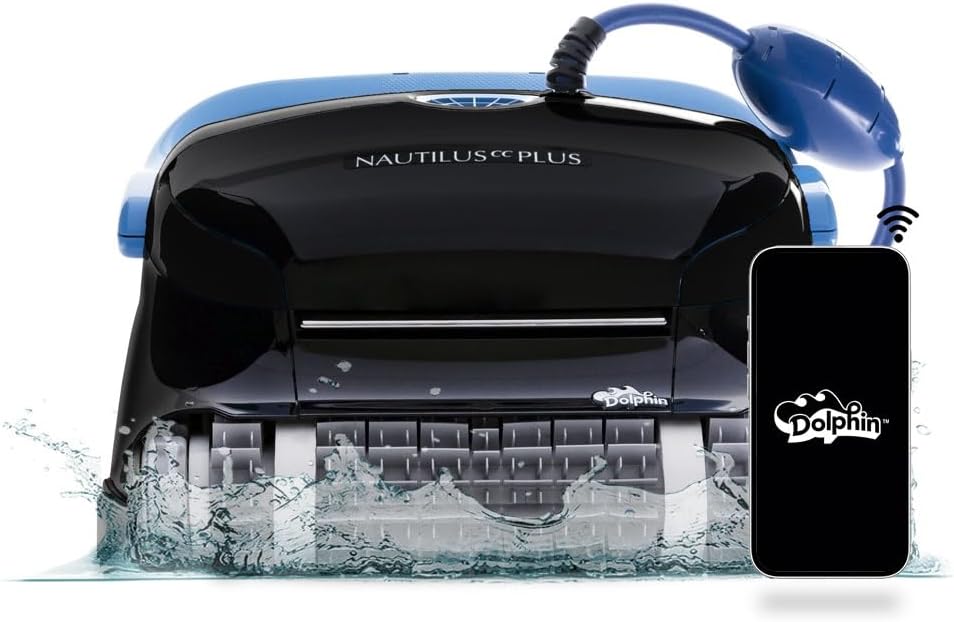
Dolphin Nautilus CC Plus Robotic Pool Cleaner
Best for: Buyers comparing a widely searched midrange Dolphin

Dolphin Nautilus CC Supreme Wi-Fi Robotic Pool Cleaner
Best for: Large pools needing broader cleaning-zone coverage
Frequently asked questions
Why can the app see the cleaner but not connect?
Confirm the cleaner is in pairing mode, close other phones that may already control it, verify permissions, and restart only as the manual directs. Existing account ownership can also block a new pairing.
Does Bluetooth control work away from home?
Bluetooth usually requires nearby range. Remote access generally requires documented Wi-Fi or cloud functionality. The exact behavior depends on the controller, app, network, and software version.
Can the cleaner operate without the app?
Many models retain basic physical controls, but this is not universal. Confirm manual operation, scheduling, and update requirements before buying if app-independent use is important.
Final decision
Match the answer above to the exact model manual, pool measurements and maintenance routine. Amazon listings can change by seller, bundle and generation, so verify the product name and ASIN before relying on a feature.