Start with a dry charging area
Move the robot to a sheltered, ventilated location and allow water to drain from every intended opening. Wipe the connector and cap with a dry soft cloth. Never connect a charger while pins or surrounding surfaces are wet, and do not use extension arrangements prohibited by the instructions.
Verify the charger and outlet
Match the model number and electrical rating to the supplied or manufacturer-approved charger. Test the wall receptacle with a harmless known-good device if safe to do so, or use another suitable protected outlet. Do not adapt a laptop, tool, or universal charger to fit.
Inspect accessible contacts
Look for dirt, salt residue, bent pins, or green corrosion without probing the connector. Use only the cleaning method the manufacturer permits; metal tools and abrasive chemicals can damage plating or create a short. Ensure any magnetic or keyed connector sits in its intended orientation.
Account for temperature and storage
Battery-management systems may pause charging when a robot is too hot after use or too cold from storage. Let it reach the permitted indoor range naturally. A deeply discharged battery left unused for months may require service rather than repeated reconnecting.
Escalate persistent or abnormal behavior
Record whether the indicator stays dark, flashes, changes color, or reports full immediately. Stop cycling the charger if nothing changes after the documented reset. Bulging plastic, hissing, smoke, fluid, or strong chemical odor calls for isolation away from combustibles and manufacturer or local safety guidance.
Use the robotic pool cleaner decision framework to compare the broader category, or narrow the catalog through Cordless Robotic Pool Cleaners.
Exact products to compare
As an Amazon Associate, we may earn from qualifying purchases.

Aiper Scuba S1 Current Cordless Robotic Pool Cleaner
Best for: Owners who want cable-free handling and multi-zone cleaning

Aiper Scuba S1 Cordless Robotic Pool Cleaner
Best for: Cable-free cleaning for common residential in-ground pools
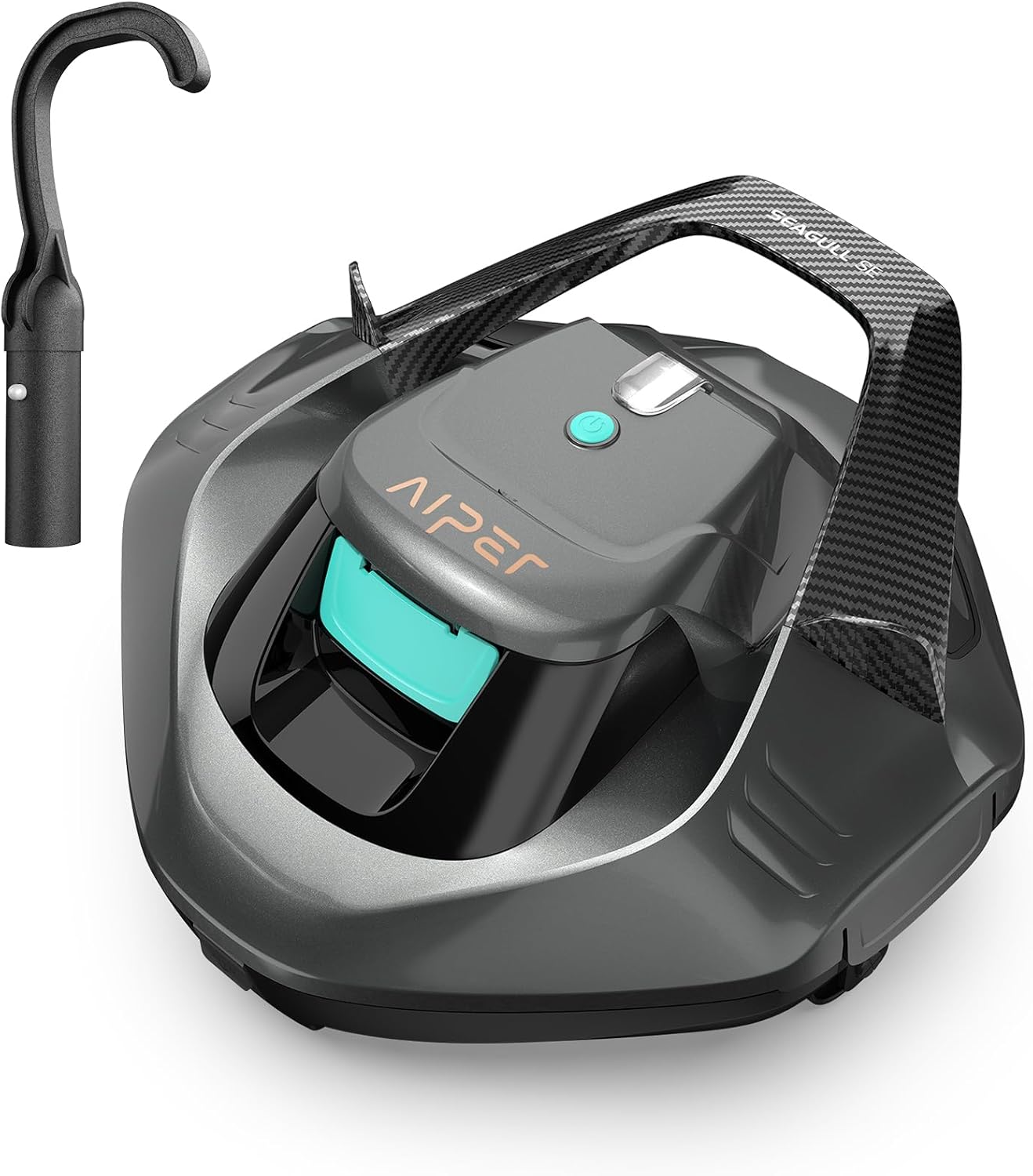
Aiper Seagull SE Cordless Pool Vacuum
Best for: Budget-minded owners of flat-bottom above-ground pools
Frequently asked questions
Can I charge a pool robot immediately after use?
Drain and dry it first, and observe any cooling period in the manual. A warm battery may temporarily reject a charge.
Is it safe to clean charging pins with sandpaper?
Avoid abrasive methods unless specifically directed. Removing protective plating can accelerate corrosion and change contact fit.
Does a green light prove the battery is healthy?
Not always. It may indicate charger status or connection state. Compare the exact light pattern with the model’s documentation.
Final decision
Match the answer above to the exact model manual, pool measurements and maintenance routine. Amazon listings can change by seller, bundle and generation, so verify the product name and ASIN before relying on a feature.